Free Backlink Checker API for Developers: A Practical Guide
A practical guide for developers exploring free backlink checker API options, limits, and integration tips to scale campaigns while keeping data quality intact.
Free Backlink Checker API for Developers: A Practical Guide
When you’re building a developer-friendly SEO dashboard or a marketing analytics tool, access to reliable backlink data is non-negotiable. Yet most free options are rough around the edges—limited quotas, uneven data, or opaque terms that complicate production use. This guide cuts through the noise and shows you how to approach a free backlink checker API like SerpX, what to test, and how to ship a strong workflow without burning time on integrations that fail in production.
Pain Point: You Need Backlink Data Now, Not After a Sprint
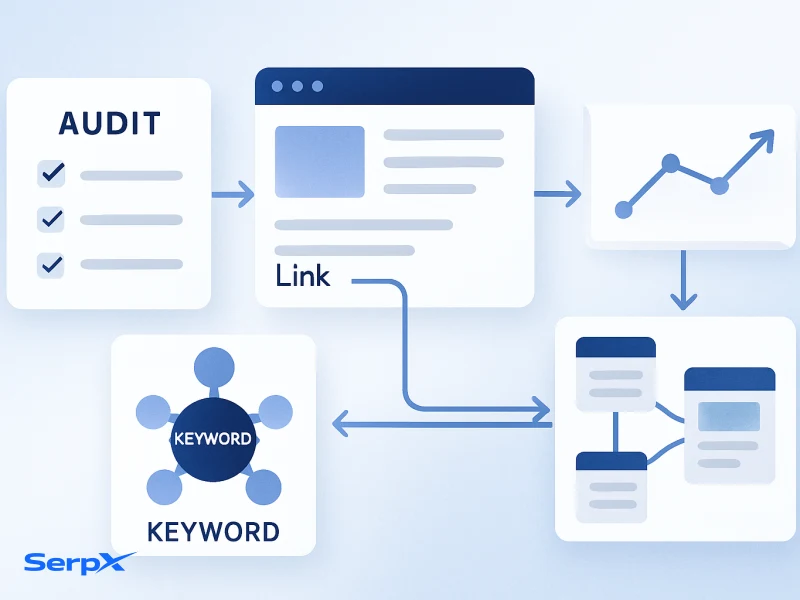
Lead developers often face a familiar dilemma: ship fast with a credible data source, or wait for a premium API that finally meets your reliability standards. Free backlink APIs tempt with no upfront cost, but they come with hidden costs—unreliable uptime, spotty coverage, or aggressive rate limits that break dashboards during a launch. If your app depends on timely backlink signals for decisions—link-building outreach, page authority trends, or competitor movement—you can’t afford flaky data pipelines. The smart move is to validate a free option against real use cases before you commit to a paid tier or switch to a different provider.
To frame your decision, ask: Do the free limits cover your daily request volume? Is the data depth enough for the insights you need (anchor text, dofollow/nofollow, linking domains, URL-level details)? Can you reliably cache results to avoid repeated calls? And importantly, can you gracefully degrade when the API is under duress?
If you’re already balancing these concerns, you’re in the right place. For context, SerpX offers a dedicated Backlink Checker API and a broader AI-powered toolkit you can explore as you scale—from AI SEO in 2026 to in-depth keyword and content workflows.
What is a Free Backlink Checker API, and What Should You Expect?
Here’s the practical reality:
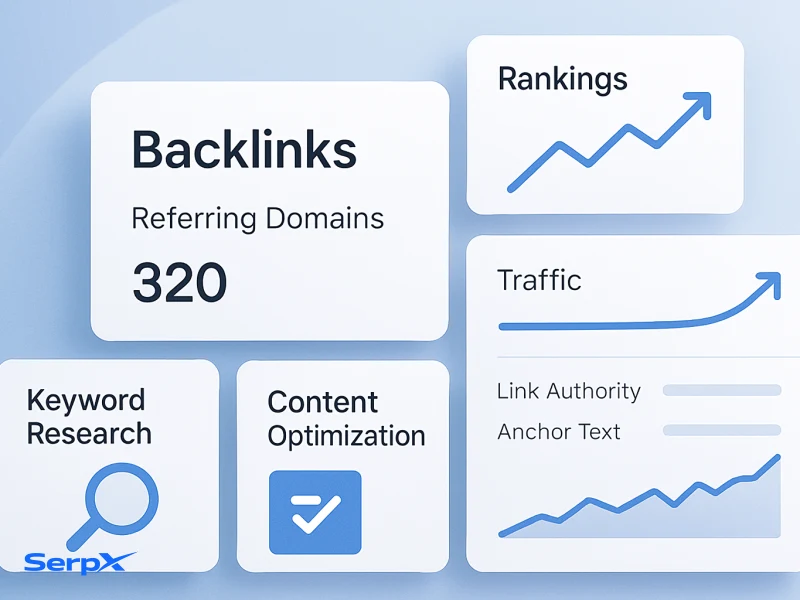
A free backlink checker API is a programmatic interface that lets you request backlink data—who links to a page, anchor text usage, link type (dofollow or nofollow), and related domain metadata. At its best, a free API provides a core signal set you can pull into a dashboard, a CSV export for prototyping, and a predictable way to automate basic checks. At its worst, you get partial coverage, stale data, and opaque quotas that shift without notice.
Expect the following from a typical free tier:
- Data scope: basic backlink signals plus essential metadata; often limited to a subset of links per page.
- Rate limits: a capped number of requests per day or per minute; no guaranteed burst handling.
- Data freshness: data that is updated on a slower cadence than paid plans—sufficient for trend analysis, less ideal for near real-time outreach.
- Endpoints and formats: RESTful endpoints with common formats like JSON; straightforward authentication, usually via an API key.
- Stability and support: basic documentation and community support; paid tiers often unlock priority support and SLA guarantees.
When evaluating a free API, test it against your concrete use cases: monthly backlink volume, required data fields, and the performance you need to keep dashboards responsive. If you find yourself hitting the ceiling, consider a small paid tier or a hybrid approach—free data for exploratory work and a reliable paid feed for production dashboards. If you’re curious about broader AI-enabled workflows, see AI SEO in 2026 for how data quality underpins scalable automation.
Curious about SerpX's Backlink Checker API? Try the Backlink Checker tool to prototype data flows before you code.
SerpX Workflow: Practical Integration with Your Dev Stack
Here’s a pragmatic path to integrating a free backlink API into your workflow without creating a maintenance headache:
- Define your data needs: decide which fields matter—URL, source domain, anchor text, link type, and last seen date. This keeps your requests lean and reduces noise.
- Validate the API against use cases: build a small, repeatable test that mirrors production needs, such as checking the top ten pages in a client report and exporting results for a CSV feed.
- Authentication and security: store the API key securely (secret management, rotation plan) and never hard-code credentials in code or repos.
- Caching strategy: implement a cache layer (in-memory for short-lived data, or a Redis/Key-Value store for longer retention) to minimize repeated calls.
- Error handling and retries: adopt exponential backoff with jitter; log quota-related failures and alert your team if envelope limits are reached.
- Data normalization: map fields from the API to your internal schema; unify date formats and normalize anchor text to enable reliable comparisons over time.
- Monitoring & health: surface SLA metrics, error rates, and uptime in a simple dashboard so the team knows when data quality is at risk.
- Graceful fallbacks: design your app to degrade gracefully if the API goes down—use historical data, cached results, or a lower-resolution signal instead.
In practice, you’ll run a daily job that fetches the backlinks for a set of pages, stores them in your data warehouse, and then powers dashboards for outreach and content decisions. If you want a quicker starting point, the Backlink Checker tool in SerpX provides a clean API surface with a straightforward onboarding experience.
Explore SerpX AI SEO Tools for broader data workflows: AI SEO Tools.
Use Cases: When a Free API Makes Sense in 2026
This becomes a problem when
Free backlink APIs are most practical in early-stage projects, internal tools, or dashboards where the signal is important but not mission-critical. For example:
- Prototype dashboards: build a quick SEO health view for clients or stakeholders without committing to a paid data pipeline.
- Outreach planning: surface historical backlink velocity and anchor text trends to identify potential link opportunities without heavy data costs.
- Content strategy experiments: compare competitor backlink profiles when drafting new topics, then decide whether to upgrade for deeper analysis.
As your needs grow, you’ll likely want to pair a free API with more strong paid sources or introduce a hybrid approach—free data for exploration and paid data for production dashboards. If you’re weighing options, reading Keyword Gap Analysis and AI Content Optimization can help you align data quality with automation goals.
Looking for broader coverage? Check out the Free SEO Tools page to explore additional data sources.
Comparison table: SerpX Free API vs Common Free Options
The table below highlights practical differences you’ll encounter when choosing a free API for backlinks. Use it as a quick sanity check before you wire up a data pipeline.
| Aspect | SerpX Free API | Other Free Options |
|---|---|---|
| Data coverage | Backlinks with anchor text, source domain, and basic metrics; generally reliable for common pages. | Coverage varies; some endpoints may be missing anchor data or use limited fields. |
| Rate limits & quota | Free tier with clearly documented quotas and usage patterns; predictable for prototyping. | Often restrictive or ambiguous; burst handling and resets may be unclear. |
| Data freshness | Regular updates aligned with product cadence; suitable for trend analysis. | Refresh rates can be slow or inconsistent. |
| Documentation & onboarding | Comprehensive guides, quickstart, and examples; easy to integrate into a dev workflow. | Documentation may be sparse or out of date. |
| Pricing after free tier | Transparent upgrade paths to paid plans with scalable data access. | Pricing often hidden behind opaque tiers; cost increases can surprise teams. |
Bottom line
For lightweight projects and rapid prototyping, SerpX’s Free API offers a pragmatic blend of coverage, reliability, and developer-friendly docs. If your needs scale or you require deeper signals, plan a staged upgrade to a paid plan that aligns with your data requirements.
Checklist: How to vet a free backlink API before you build
From an SEO operations perspective,
- Clarify your data requirements (fields, coverage, frequency).
- Validate quotas and rate limits against your expected workload.
- Test data freshness and consistency across multiple pages.
- Assess authentication and security practices for keys and tokens.
- Implement a caching layer to reduce repeated calls.
- Plan for error handling, retries, and alerting on outages.
- Ensure you can scale or gracefully degrade in production.
- Document data mappings to avoid drift in downstream analytics.
- Validate pricing paths if you intend to upgrade later.
- Document your integration plan for teammates and stakeholders.
A practical way to start is to couple this checklist with a small internal project: fetch the top 5 competitor pages’ backlinks for a week and observe how the data holds up under typical bounce rates and updates.
Common Mistakes to Avoid with Free Backlink APIs
- Assuming free means unlimited. Free tiers almost always have quotas; plan around them to avoid outages.
- Skipping data validation. Free data can be noisy; implement cross-checks with other sources when possible.
- Not caching results. Repeated calls inflate quotas and slow your app; caching is essential.
- Ignoring latency implications. Even small delays can push a UI from snappy to laggy; measure end-to-end latency.
- Overlooking privacy and terms. Ensure usage aligns with API terms and data handling policies.
- Using free data for production without a fallback plan. Have a plan for outages or data gaps with an alternate data source or cached historic data.
If you learn these lessons early, you’ll be better prepared to upgrade to a paid tier or switch providers without drama. For deeper strategy on SEO data quality, explore What Is AI SEO? and Keyword Gap Analysis as practical references.
Frequently Asked Questions
What exactly does a backlink checker API return?
Typically you get a list of backlinks for a target URL, including the source domain, anchor text, whether the link is dofollow or nofollow, and basic metadata like last seen date and page URL. Some endpoints also expose link type distributions and simple domain authority proxies to help you prioritize outreach.
Is a free API suitable for production dashboards?
It can be for non-critical dashboards or early-stage products, but you should plan for rate limits, potential outages, and data gaps. Use caching, implement fallbacks, and keep a parallel data source for critical decisions.
How should I handle rate limits and retries?
Use exponential backoff with jitter and monitor quota usage. Build a small queue for backlink requests and batch requests where possible to stay under limits while maintaining data freshness.
Can I switch from free to paid later?
Yes. Most providers, including SerpX, offer a smooth upgrade path with prorated pricing and migration guides. Start with a free trial and move to a plan when you need higher quotas or deeper signals.
How accurate is data from free APIs?
Accuracy varies by provider and data source. Treat free data as a signal with validation against a more strong data feed if precise measurements are critical for your workflow.
Final reminder: if you want a reliable, scalable way to power backlink data in production, consider SerpX pricing or start a free trial to see how it fits your stack.
Apply these ideas with SerpX tools
Turn insights into action with practical workflows for keyword research, competitor analysis, backlink review, and SEO planning.